
The Design Area is your "canvas" for working with forms and controls. Selecting any item allows you to set its properties using the Property Grid or the QuickProperties Editor.
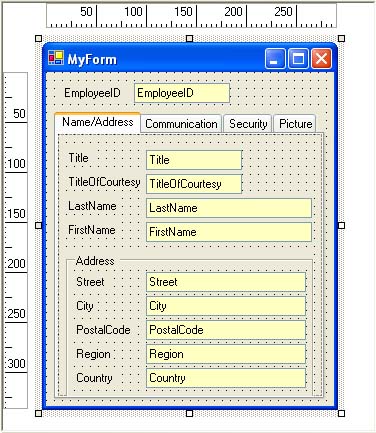
You can use the ruler and the grid for precise alignment of elements. A right-click on elements often displays a context menu providing access to additional features.
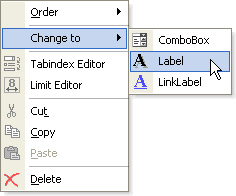 One of these is a convenient method to switch between control types. Right-click on a control, choose and click on any of the available control types.
If the command is disabled it means that no possible alternate control types have been defined yet for the currently selected control. This functionality can be extensively customized in the program options for the Form Designer. There you can define for each of the Windows Forms controls an exact list of control types that are to appear as alternatives.